Change the setting. Start with the shot you have.
Your product is already on camera. Select a passage and ask for a new setting, different lighting or another visual style.
Same watch. A different atmosphere.
Compare the original shot with its real Wan 3 edit.
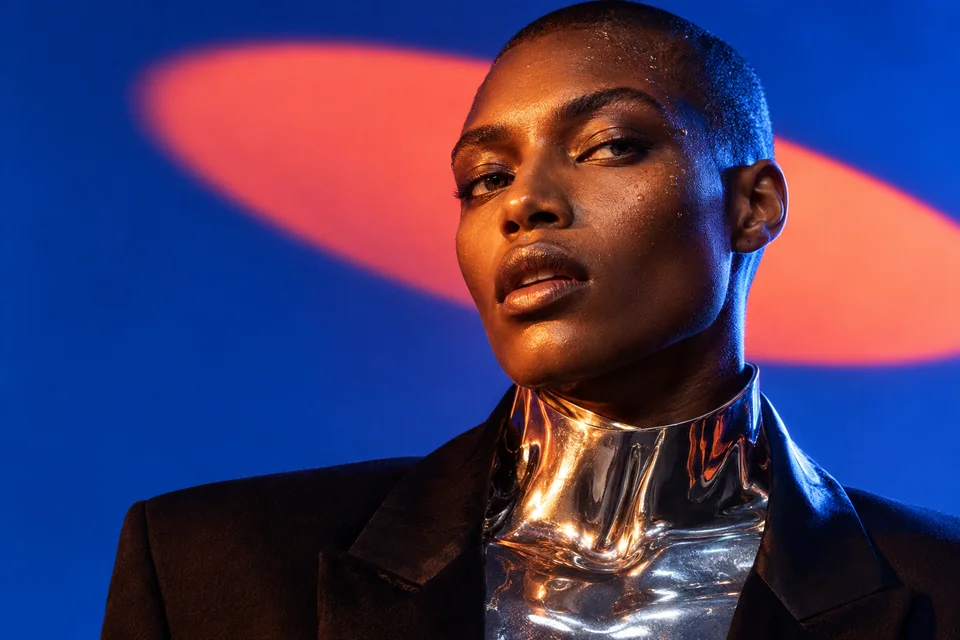
Original / Electric blue
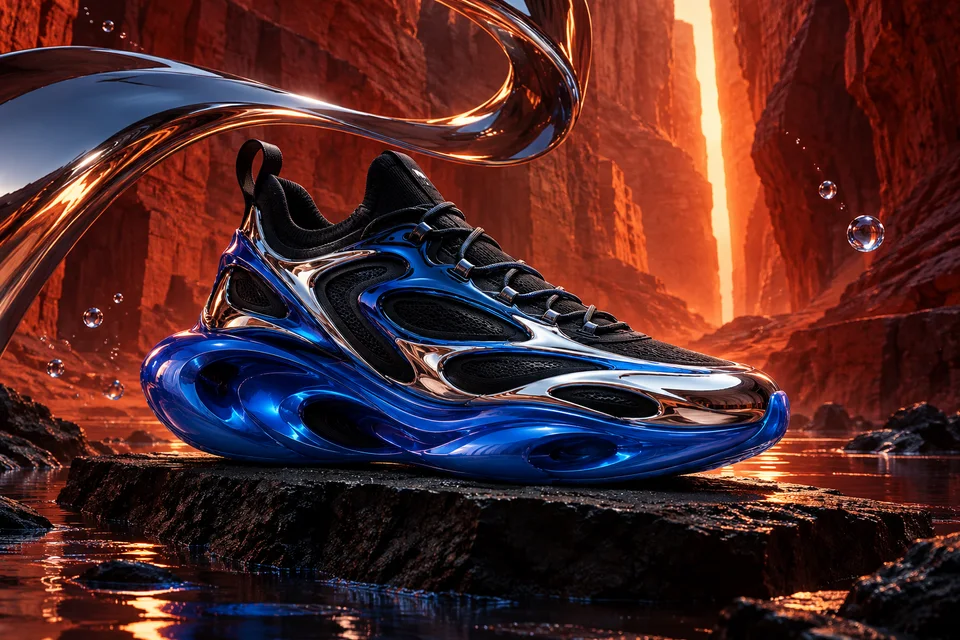
After / Crimson eclipse
01 / Upload
A short product video with one continuous shot.
02 / Make it yours
The passage to edit, the look and whether to keep the sound.
03 / Download
A new video to compare with your original shot.
A new world for your shot.
Explore a change of setting, light or style. Compare the entire edited passage with the video you started from.
Select your passage
Upload your video and select the passage to edit.
Set the direction
Describe the change to the setting, lighting or style.
Watch both versions
Compare the two videos side by side and download the result.
Keep creating, in one place.
Find the result in Media. Add it to a film in Studio, or download it.
- Media
- Studio
- Export
For a better result.
- Use one continuous shot. Cuts, hands covering the product or fast movement can make the edit harder.
- Watch the full result: lettering, product shape and camera movement can change during the edit.
Can I edit a whole advert?
The tool works on one continuous shot. For an advert with several shots, edit each passage separately, then assemble the videos in Studio.
Can I keep my video’s sound?
Yes. Choose to keep the original audio or mute it. Listen to the result before adding it to your edit.